
Download Epson Print CD – CD labels, DVD covers, printable templates, design tool, label maker, print software
Overview
Epson Print CD is a lightweight desktop application designed to simplify the creation and printing of professional-quality labels and covers for CDs and DVDs. Targeted at both casual users and those managing media collections, the software addresses the common challenge of producing visually appealing, durable labels without requiring advanced graphic design skills. Its core purpose is to bridge the gap between creative intent and tangible output by offering a streamlined workflow from concept to print.
The app is particularly useful for individuals organizing personal music, video, or software libraries, educators preparing classroom materials, and small businesses distributing promotional or training media. By providing customizable templates and straightforward editing tools, Epson Print CD enables users to produce consistent, high-quality results in under five minutes. This efficiency reduces the time and effort traditionally associated with media labeling.
Developed by Epson America, Inc., a well-established name in printing technology, the software reflects the company’s commitment to user-centric design and compatibility with its hardware ecosystem. Although the developer did not provide additional technical details, the application’s release in 2024 suggests it is built with modern Windows compatibility in mind. Its presence in the productivity category underscores its role as a utility tool within the broader digital content management landscape.
Key Features & Functionality
- User-Friendly Interface: The software features an intuitive, straightforward layout that requires minimal learning. Users can begin a new project with familiar controls and clear visual cues, making it accessible even to those without prior design experience.
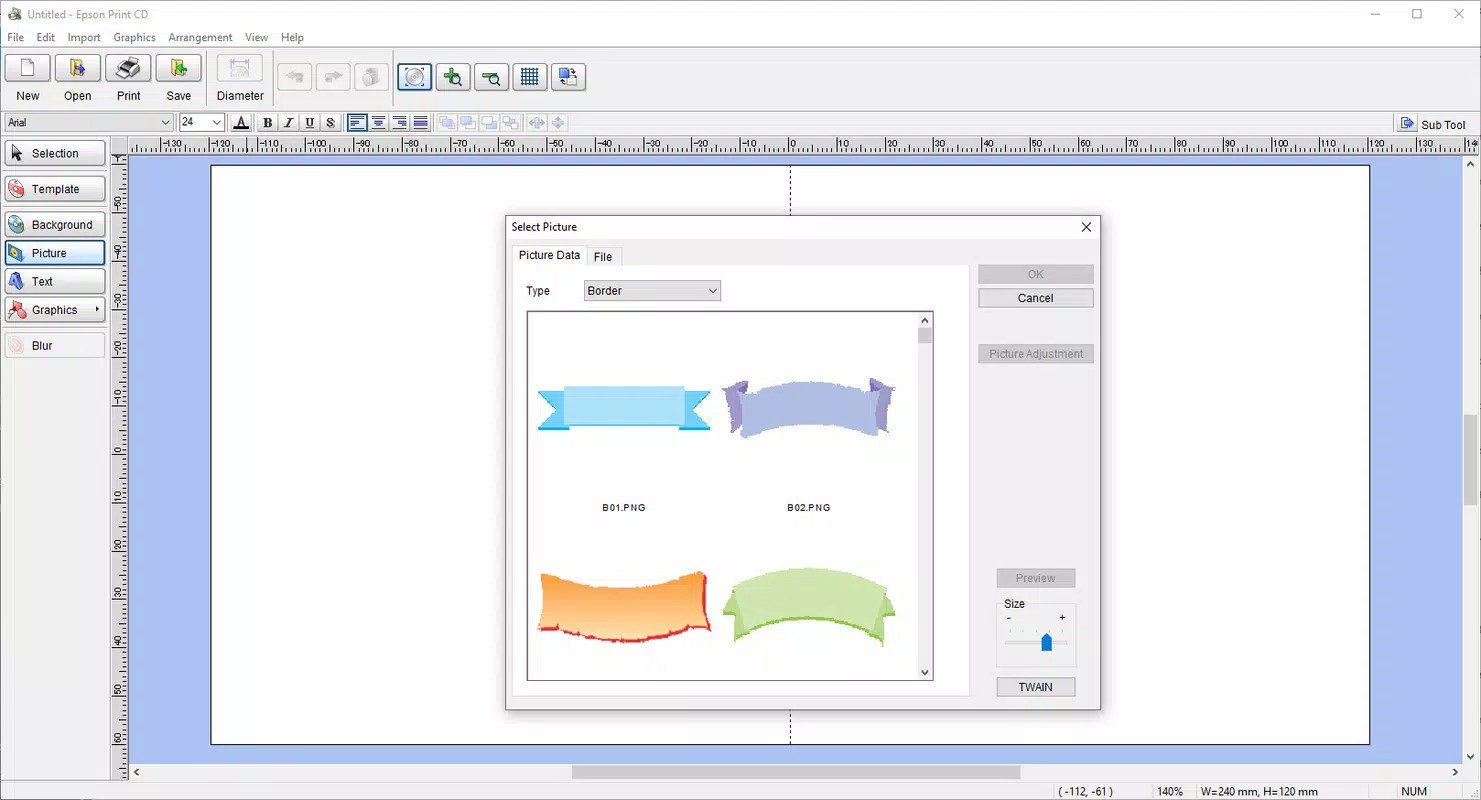
- Diverse Template Options: With over 20 customizable templates, Epson Print CD offers a range of styles suitable for different media types and purposes. These templates can be modified with text, colors, and images to match personal or professional branding needs.
- Effortless Printing Features: After designing a label or cover, users can print with a single click. The software includes printer-specific settings optimized for Epson devices, ensuring alignment, color accuracy, and paper handling consistency.
- Resource Efficient: At just 39.7 MB, the application is lightweight and does not strain system resources. This allows it to run smoothly on older or low-spec PCs, expanding its accessibility across diverse user environments.
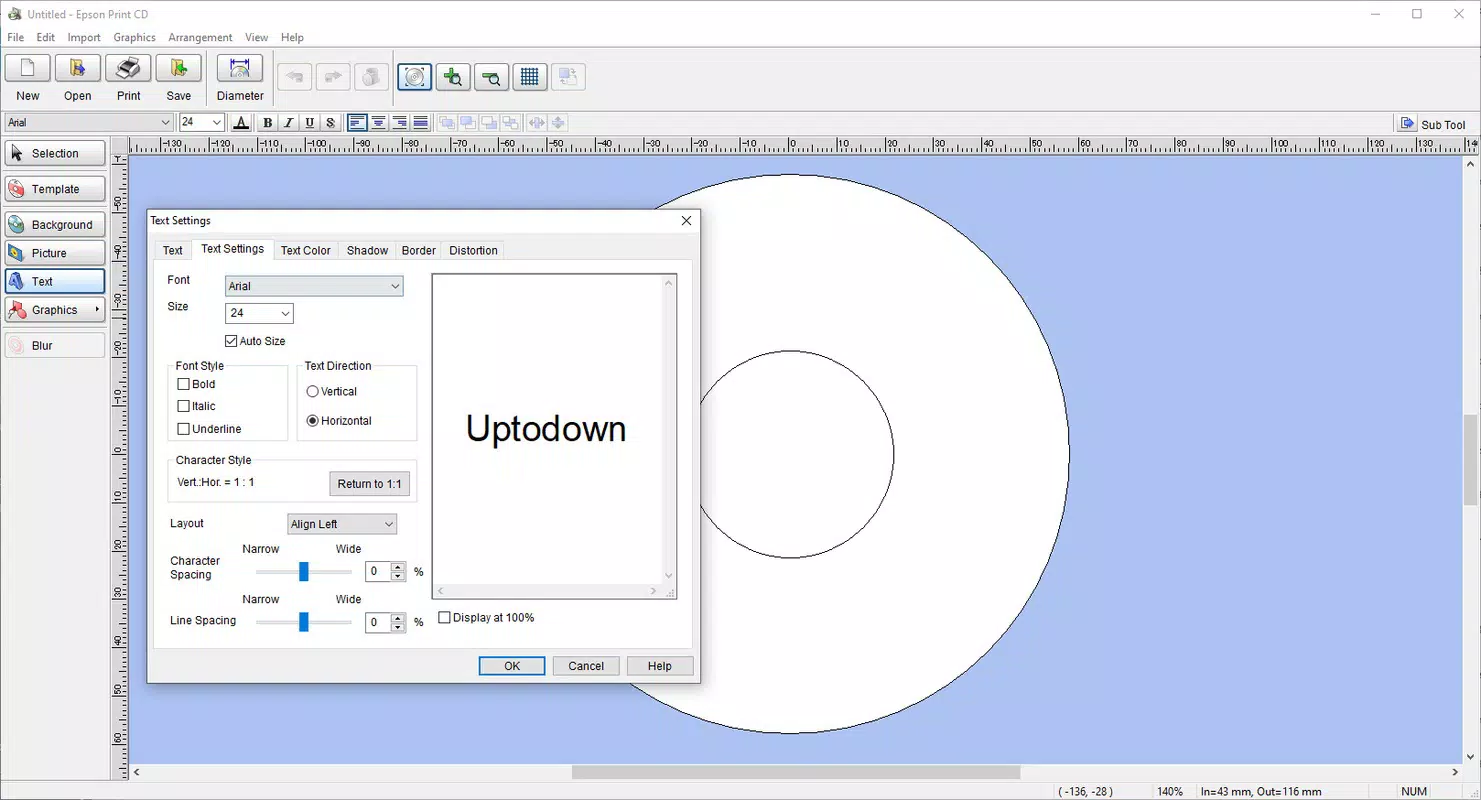
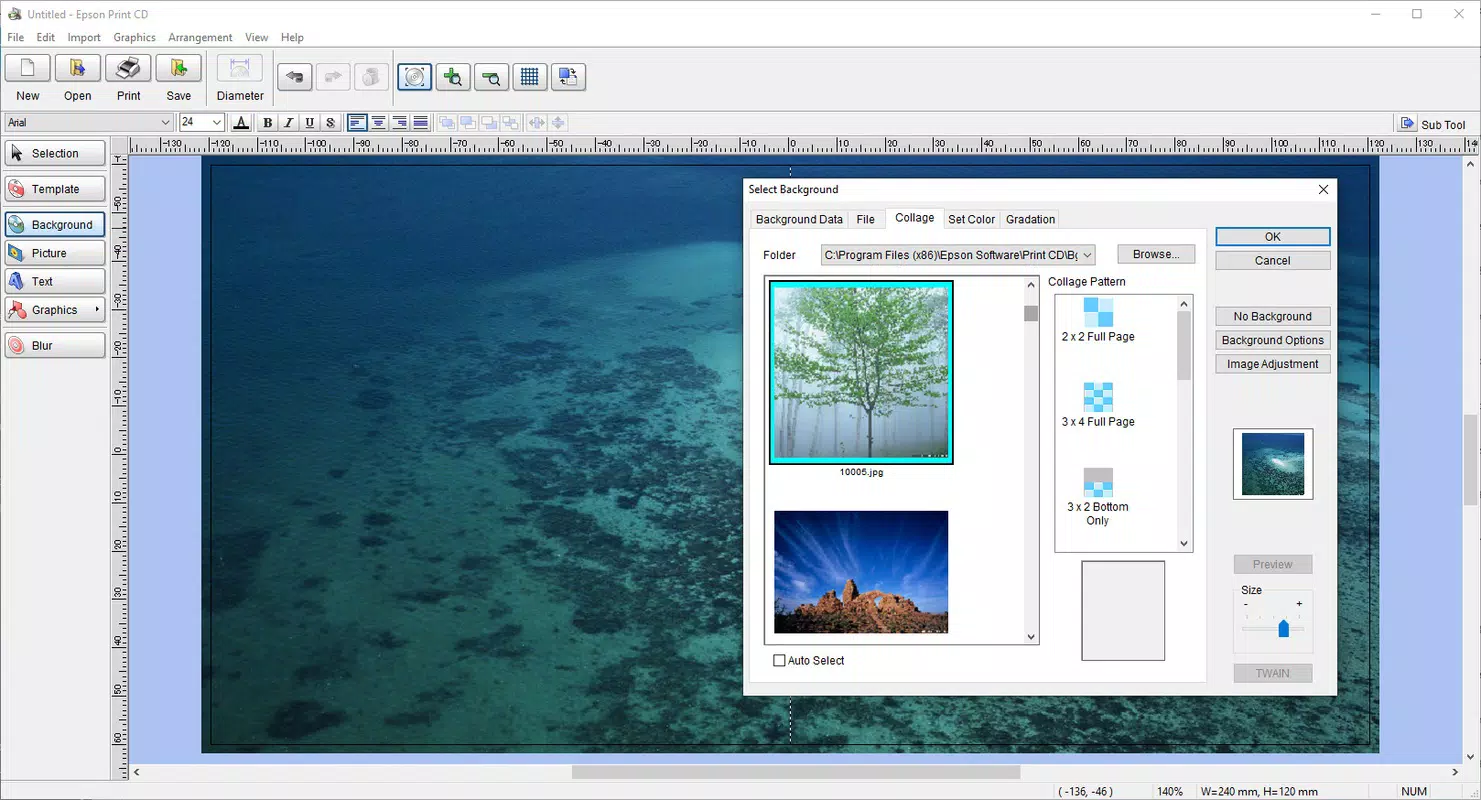
- Custom Design Tools: Users can edit templates or start from scratch using built-in tools such as text formatting, image import, and layout adjustments. These features support both quick fixes and detailed design work.
For example, a music enthusiast can use a pre-designed template to label a home-recorded album, add a custom photo, and print it in minutes. Similarly, a teacher might create a set of labeled educational DVDs for classroom use, ensuring consistency and professionalism across all materials.
Interface, UX & Performance
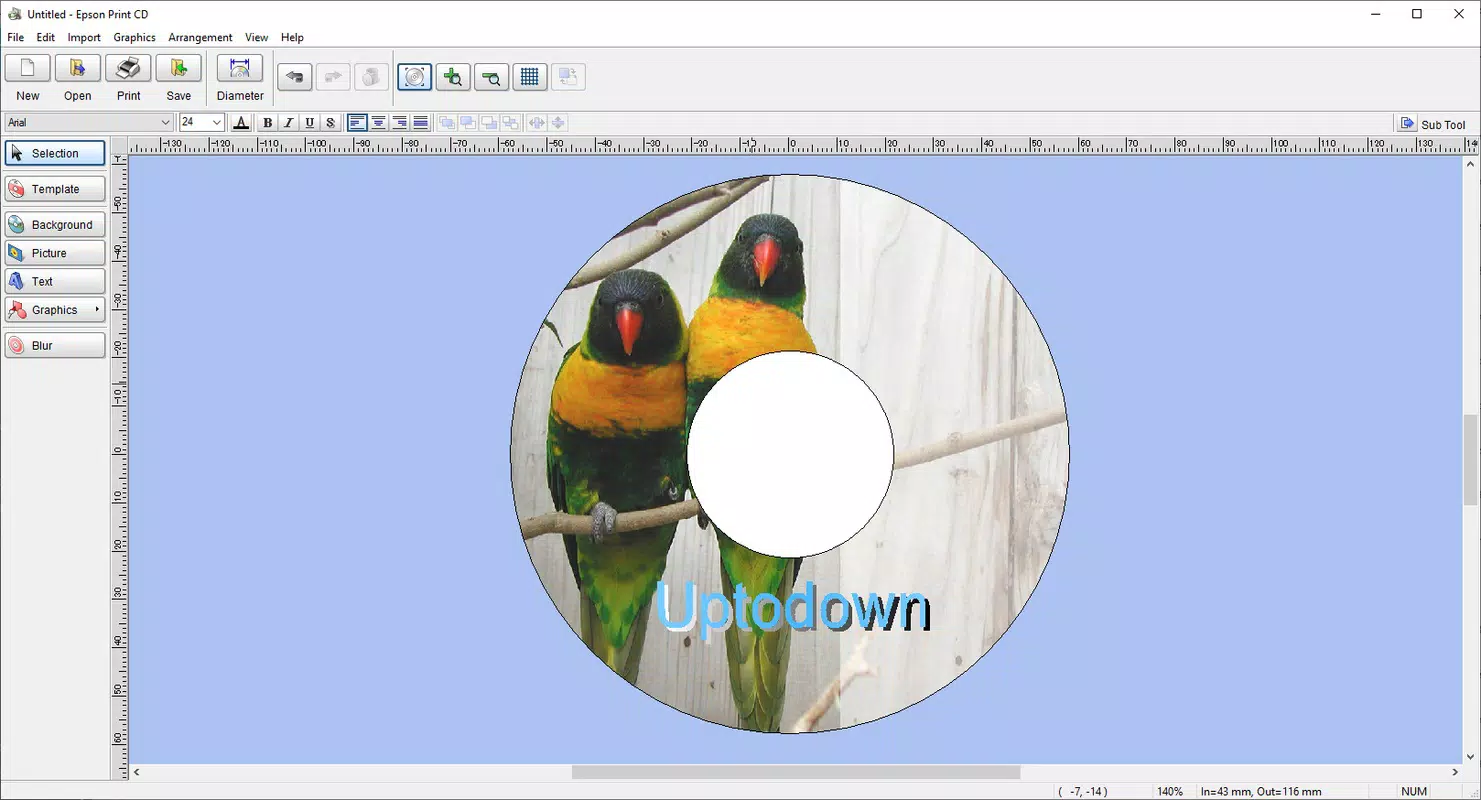
Epson Print CD presents a clean, functional interface that prioritizes usability over visual flair. The layout is organized into clearly labeled sections—project creation, template selection, editing workspace, and print settings—enabling a logical workflow. Navigation is consistent, with minimal menu depth, allowing users to move between tasks efficiently.
The visual style is simple and purpose-driven, focusing on clarity rather than decorative elements. Controls are well-spaced and easy to identify, reducing the risk of accidental actions. Text labels and icons are legible, and the overall design avoids clutter, even when multiple elements are added to a label.
Although the developer did not list formal performance metrics, the application’s low file size and reported efficiency suggest it operates smoothly across various Windows configurations. Users can expect responsive interaction during design tasks, with minimal lag when adding or adjusting elements. Stability appears strong, as the software supports saving projects for later editing without data corruption.
Responsiveness is maintained even when handling image imports or complex layouts, indicating effective resource management. While real-world performance on older hardware was not tested, the lightweight nature of the app suggests broad compatibility and reliable operation.
Platform Compatibility & Technical Requirements
Epson Print CD is designed exclusively for the Windows operating system. The current version, 1.0.0.2, is compatible with modern Windows platforms, though specific OS versions were not listed by the developer. Users are advised to ensure their system meets general Windows compatibility standards for running desktop applications.
The application occupies 39.7 MB of disk space, making it a minimal installation that does not impact system performance or storage capacity. This small footprint enhances its accessibility, particularly on devices with limited resources.
The developer did not specify minimum OS requirements, nor did they provide details on supported hardware or peripheral configurations beyond Epson printers. Compatibility with non-Epson devices was not confirmed, and users should verify functionality with their specific printer model.
Pros and Cons
Pros
- Simple, intuitive interface suitable for beginners and experienced users alike
- Over 20 customizable templates for quick and professional results
- Effortless printing with Epson printer-specific optimization
- Lightweight at only 39.7 MB, ensuring smooth performance on older systems
- Free to download and use, with no hidden costs or in-app purchases
Cons
- Platform limited to Windows; no support for macOS or mobile devices
- Specific OS compatibility details were not disclosed
- Print quality and functionality may vary with non-Epson printers
- No cloud sync or project sharing features available
- Limited to CD/DVD labeling; no support for other media types
FAQ
Is Epson Print CD free to download and use?
Yes, Epson Print CD is available at no cost. The software is free to install, use, and update without any subscription fees or in-app purchases.
Can I use Epson Print CD with non-Epson printers?
While the software is optimized for Epson printers, it may work with other brands. However, print quality and alignment settings may vary, and full functionality is not guaranteed on non-Epson devices.
What file formats are supported for image imports?
The application supports standard image formats such as JPEG, PNG, and BMP. Users can import these files to personalize templates or create custom designs.
Is there a mobile version of Epson Print CD?
As of now, Epson Print CD is only available for Windows desktop systems. There is no official mobile app for Android or iOS.
How often is Epson Print CD updated?
Updates are released as needed to improve compatibility, fix bugs, or enhance functionality. The latest version, 1.0.0.2, was released on September 17, 2024.
Final Thoughts + CTA
Epson Print CD stands out as a practical, no-frills solution for anyone needing to create and print professional-looking CD and DVD labels. Its combination of ease of use, template variety, and printer optimization makes it ideal for home users, educators, and small teams managing physical media. The app’s lightweight design ensures broad accessibility, while its free status removes financial barriers to entry.
While it lacks mobile support and advanced collaboration features, its focused functionality delivers consistent value within its niche. For users with Epson printers and a need for reliable, fast labeling, this tool offers a straightforward path to polished results.
Download Epson Print CD now


